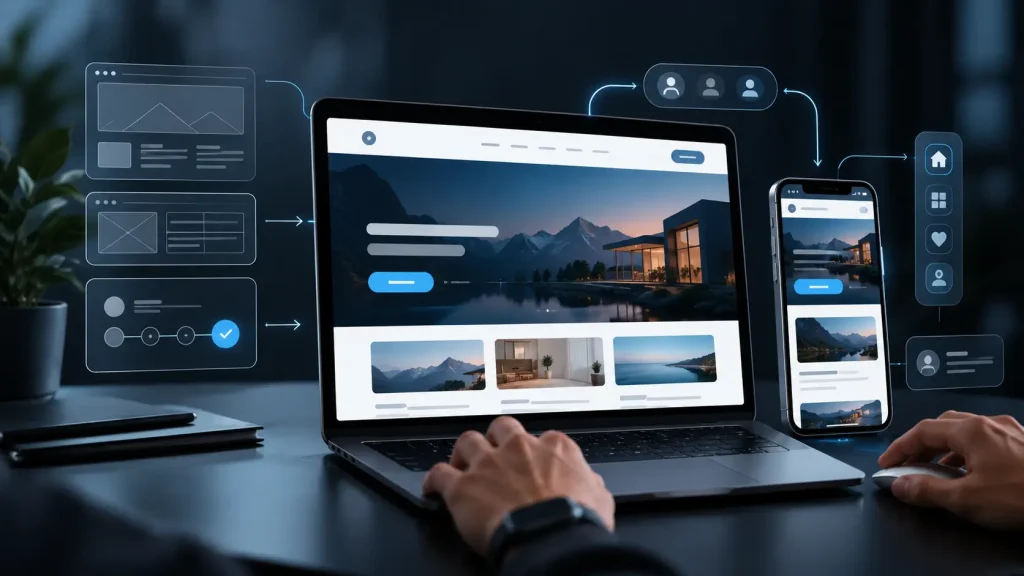
When people visit a website, they expect to find what they need quickly and complete an action without unnecessary effort, send an enquiry, place an order or contact the company. If the interface is confusing, they may simply leave and choose another business.
This is why UX design is an important part of modern websites and digital products. Its main purpose is to make the experience simple, clear and comfortable.
Explore website redesign best practices backed by the leading digital global leaders.
What is UX design?
UX stands for User Experience: the experience a person has while using a website or digital product.
UX design looks at the user’s full journey, from the first visit to completing the action they came to take.
Good UX means visitors do not have to stop and think about where to click or where to find information. The experience feels natural.
The best interface is one that people can use easily without needing extra explanation.
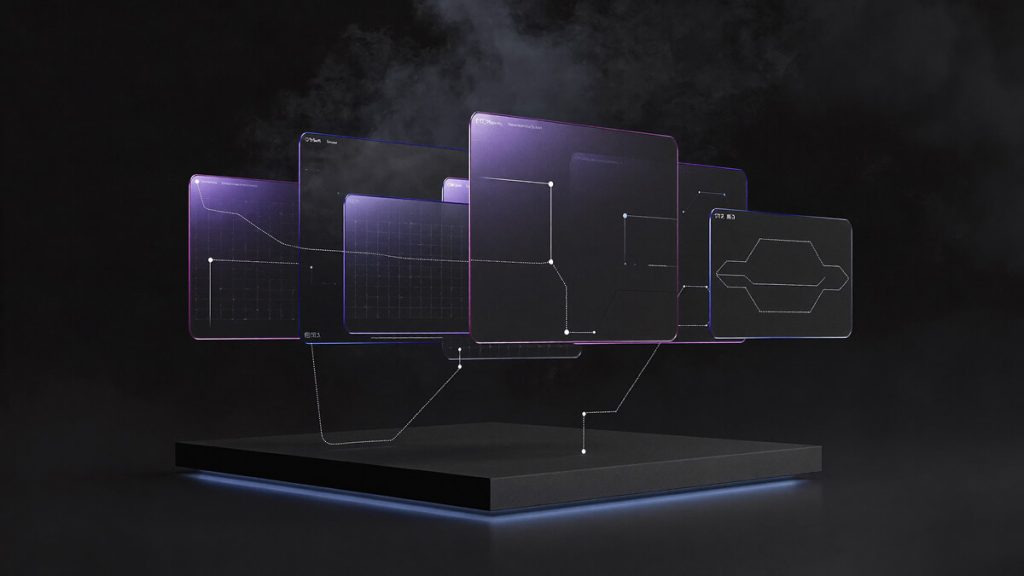
Keep the structure simple and logical
Every website needs a clear structure.
A visitor should quickly understand:
- where to find the information they need;
- which services the company offers;
- how to contact the company;
- how to make an enquiry or take the next step.
The fewer unnecessary steps people have to take, the more likely they are to stay and continue using the website.
Make navigation easy
Navigation helps visitors understand where they are and move around the website quickly.
The main sections should be easy to see and available from anywhere on the site.
Visitors normally expect to find:
- Home;
- Services;
- Projects;
- Blog;
- About;
- Contact.
If people have to search too long for an important section, they are more likely to leave.
Use clear visual hierarchy
Not all information has the same importance. UX design helps show visitors what to notice first.
This can be done with:
- clear main headings;
- useful subheadings;
- strong emphasis on key elements;
- enough space between content blocks;
- buttons that are easy to recognise.
A clear visual hierarchy helps people scan a page quickly and understand the content more easily.
Loading speed matters
Even a beautiful website creates a poor experience if visitors have to wait too long for pages to open.
For a smoother experience, it helps to:
- optimise images;
- use efficient modern technologies;
- avoid unnecessary heavy elements;
- check website performance regularly.
A fast website improves the experience for visitors and also supports search performance.
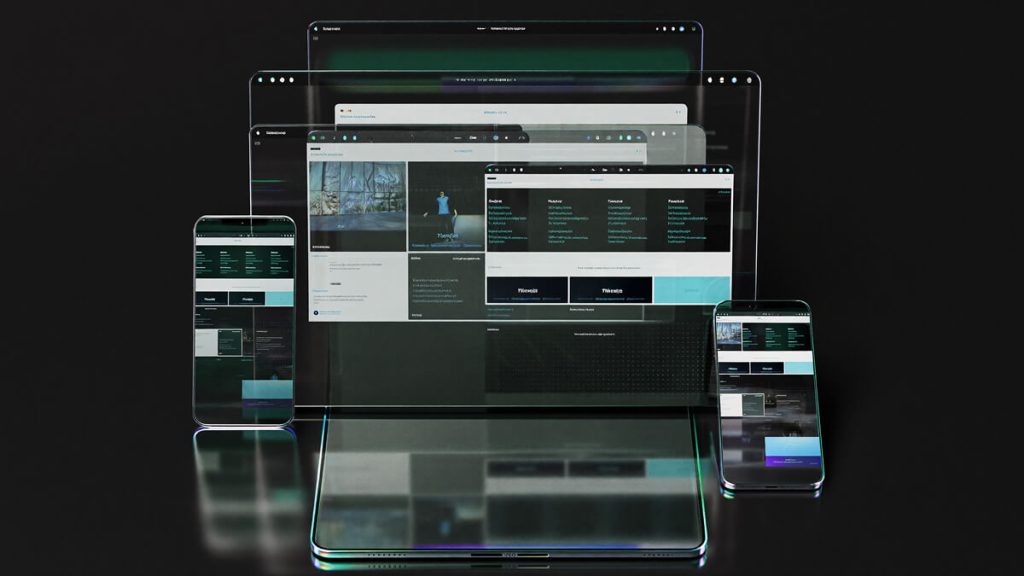
Design for every device
Many people now visit websites from smartphones and tablets.
A modern website should therefore work well across different screen sizes.
Responsive design should consider:
| Element | Why it matters |
|---|---|
| Text size | Information remains easy to read on different devices |
| Buttons | They are easy to tap on a touchscreen |
| Navigation | The menu remains clear and accessible |
| Images | They display correctly on different screens |
| Forms | They are quick and easy to complete |
A good mobile experience is now a basic requirement for any serious business website.
Make calls to action clear
Visitors should not have to guess what to do next.
Important actions should be easy to see, for example:
- “Send an enquiry”;
- “Get a consultation”;
- “Contact us”;
- “Start a project”.
Buttons should stand out enough to be noticed, and the wording should make the action clear.
Keep testing and improving
UX work does not stop when the website goes live.
It is useful to review:
- which pages people visit most;
- where visitors leave the website;
- how easily forms are completed;
- which parts of the experience need improvement.
Regular improvements based on real user behaviour can make the website more effective over time.
Explore website redesign best practices backed by the leading digital global leaders.
Conclusion
UX design is the foundation of a website that is easy and effective to use. It helps people find information quickly, understand the interface and complete important actions without unnecessary difficulty.
A thoughtful user experience makes the website clearer, strengthens trust in the business and supports its commercial goals.